Everything I Use for
This is my personal /uses page—a living catalog of all the tools, software, and gear that power my workflow every day.
From my computer setup to the platforms I teach and build with, this list evolves as I do.
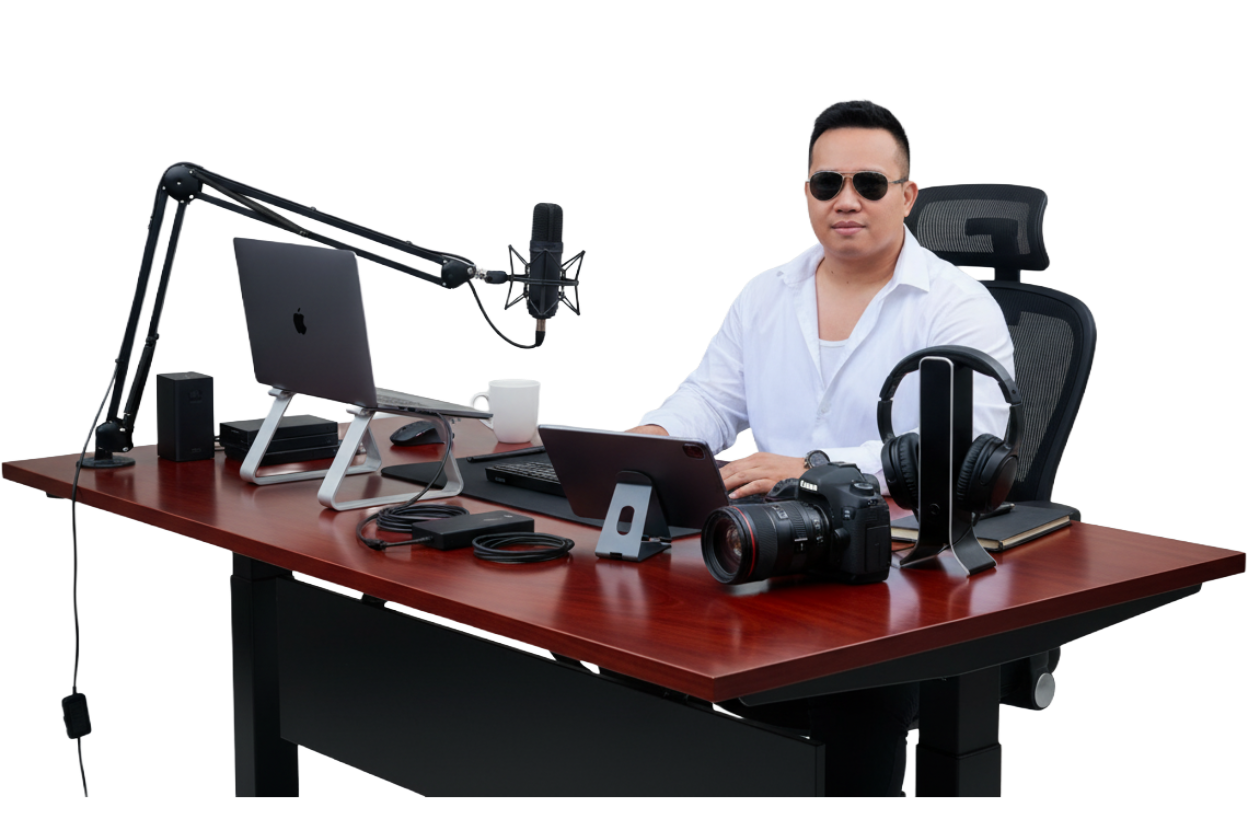
Explore my setup
Hover or focus a point on the desk to preview a category, then click to see the full list of gear and tools.
Hardware That Powers My Work
I keep my hardware setup minimal but powerful enough for full-stack development, content creation, and light AI experiments.
- Main Machine: Dell Tower Plus Desktop
- Laptop: MacBook Pro (M3, 16GB RAM)
- Display: Acer 24 inches Monitor
- Keyboard: Keychron K2 (Gateron Brown switches)
- Mouse: Logitech MX Master 3
- Audio: Rode NT-USB Microphone, Sony WH-1000XM5 Headphones
- Camera: Logitech Brio 4K
- Extras: Adjustable standing desk, ergonomic chair, soft lighting
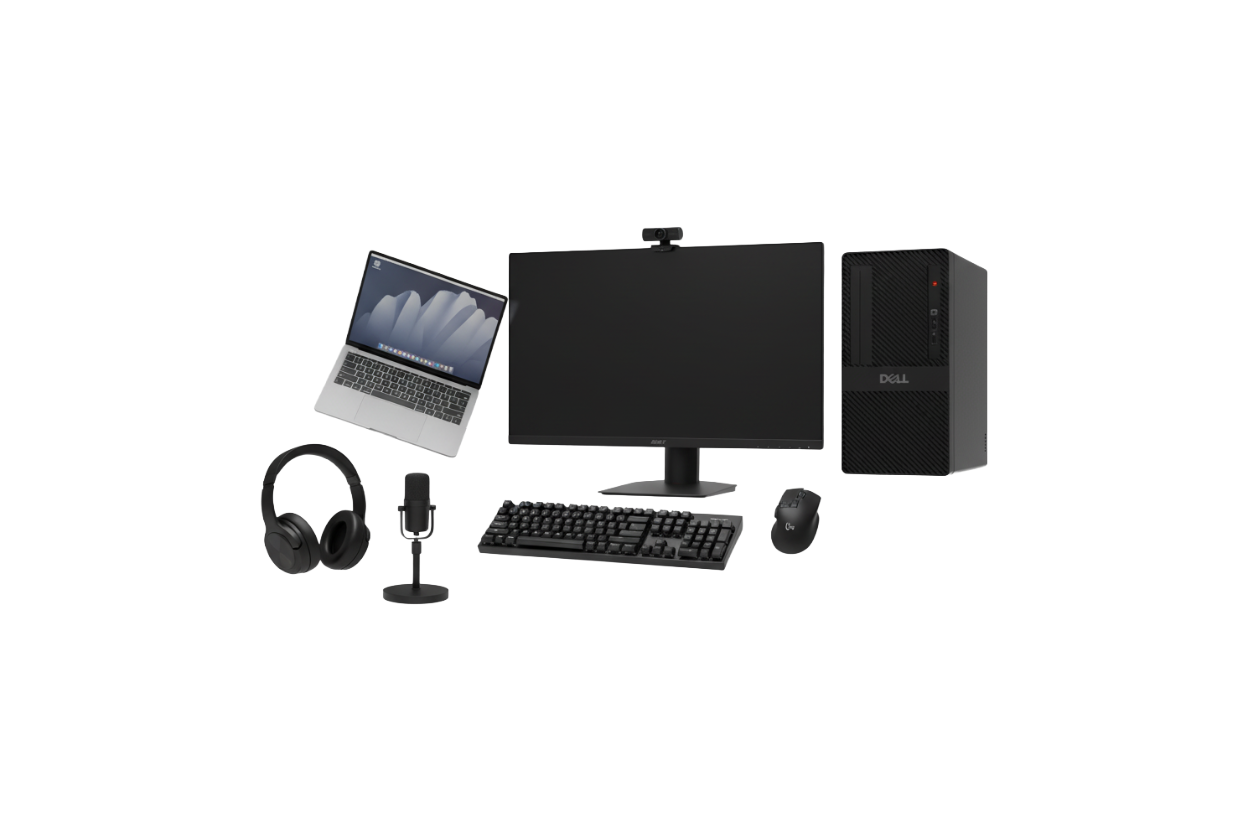
Hardware That Powers My Work
I keep my hardware setup minimal but powerful enough for full-stack development, content creation, and light AI experiments.
- Main Machine: Dell Tower Plus Desktop
- Laptop: MacBook Pro (M3, 16GB RAM)
- Display: Acer 24 inches Monitor
- Keyboard: Keychron K2 (Gateron Brown switches)
- Mouse: Logitech MX Master 3
- Audio: Rode NT-USB Microphone, Sony WH-1000XM5 Headphones
- Camera: Logitech Brio 4K
- Extras: Adjustable standing desk, ergonomic chair, soft lighting
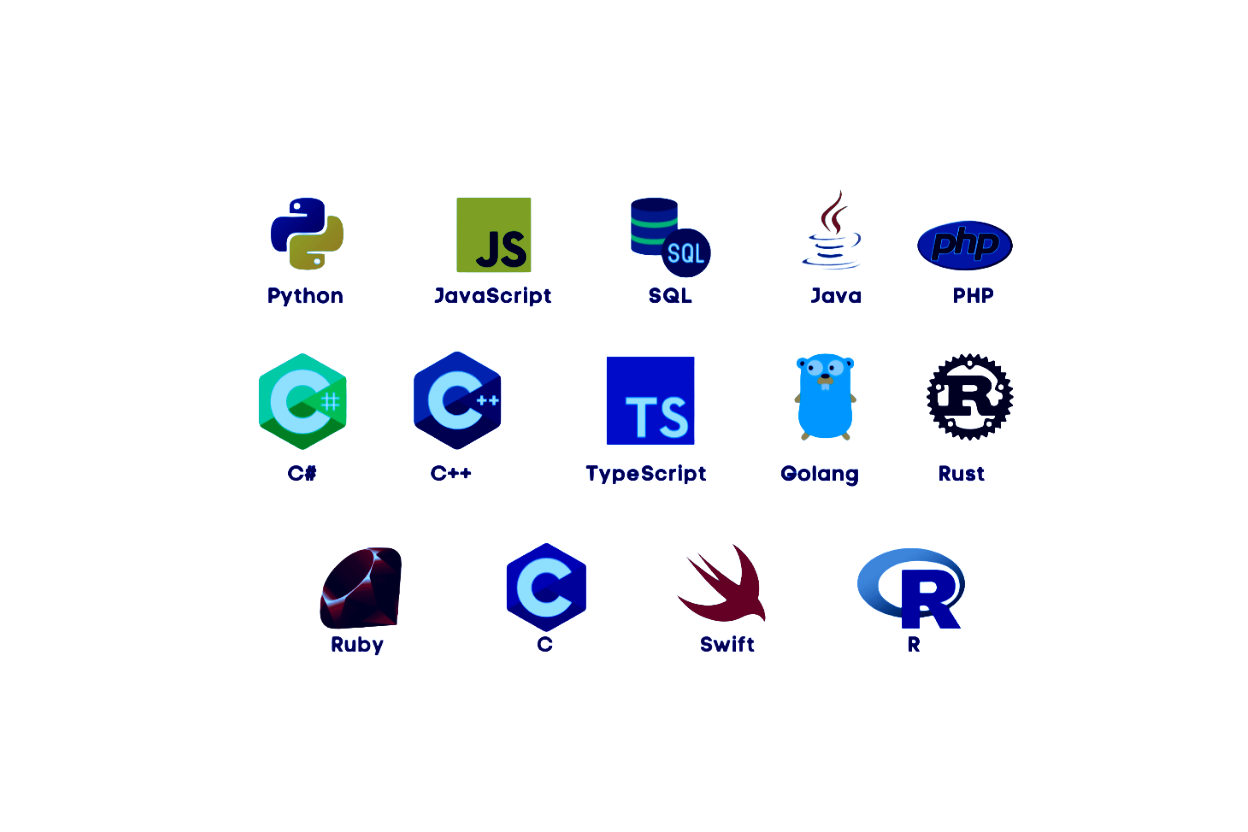
Languages I Use Most
Every project starts with a language choice. I keep my stack versatile enough to jump between backend systems, web apps, and quick automations.

Tools for Building Interactive Interfaces
My frontend workflow focuses on clean, fast, and accessible design — always balancing usability and performance.
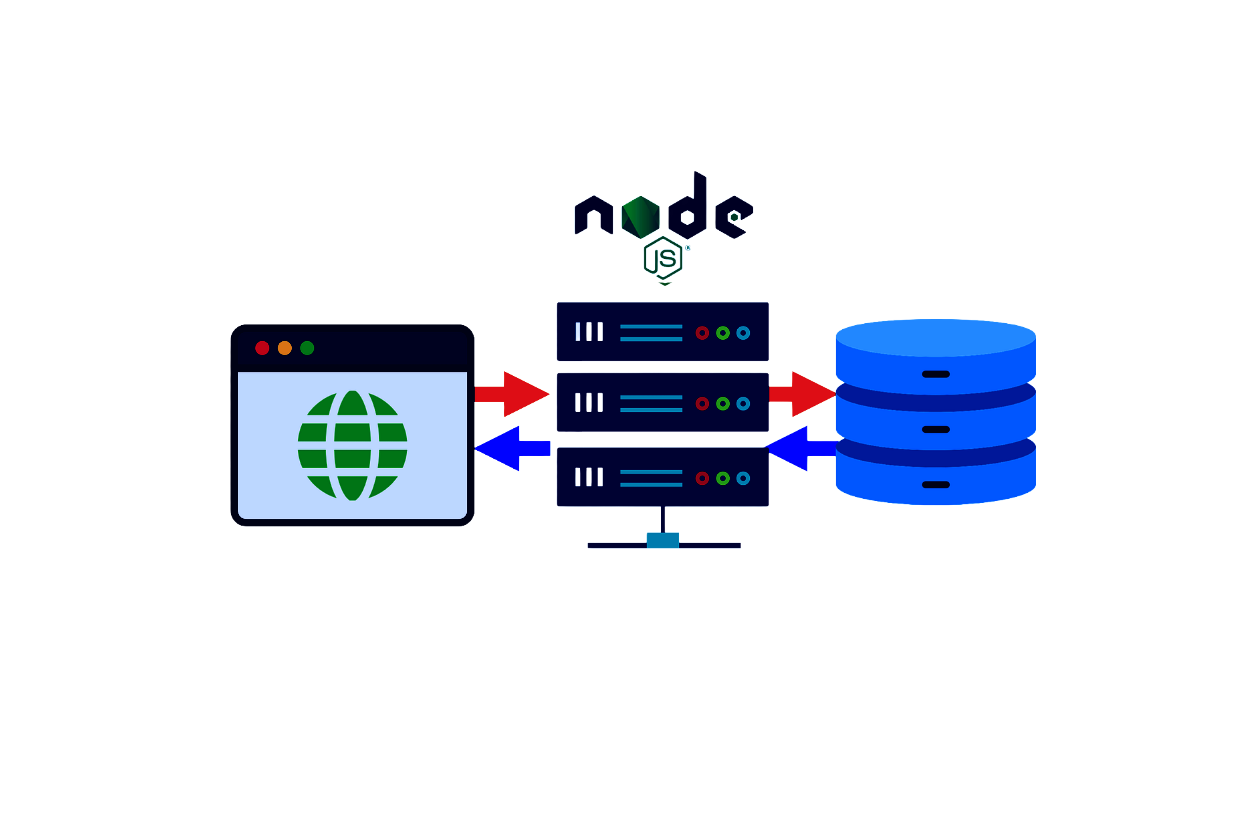
Building the Brains Behind the Interface
I build backends that are simple, modular, and scalable — supporting everything from APIs to data-driven apps.
- Languages: Node.js (JavaScript), PHP, Python
- Auth: JWT, OAuth2, Passport.js
- API Style: RESTful and JSON-based
- Automation: CRON Jobs, PM2
Organizing and Managing Data Efficiently
Each project needs the right database engine. I work with both relational and non-relational systems depending on project scope.
- Databases: PostgreSQL, MySQL, Microsoft SQL Server
- Tools: Microsoft SQL Server Management Studio, DBeaver, TablePlus, pgAdmin

Deploy, Scale, and Run Anywhere
I use container-based workflows and cloud platforms to deploy and replicate environments efficiently.
- Cloud Providers: AWS, Google Cloud Platform
- Container Tools: Docker
- Virtualization: VirtualBox, VMware
- Orchestration: Kubernetes (for production-scale projects)

Experimenting with Intelligent Systems
AI is integrated into my workflow — from automating small tasks to experimenting with generative tools and chat models.
- APIs: OpenAI, Hugging Face, Anthropic Claude
- Frameworks: TensorFlow, PyTorch
- Tools: LangChain, Ollama, n8n, Jupyter
- Use Cases: Chatbots, AI-assisted writing, content generation
Creating Visuals, Media, and Brand Assets
Design plays a huge role in how I communicate ideas — from UI mockups to video editing and branding visuals.
- Canva: Fast graphics, thumbnails, and marketing visuals
- Adobe Express: Quick video and social content creation
- Photoshop: Detailed image editing and photo retouching
- Adobe Premiere Pro: Full-scale video editing
- Figma: UI/UX design, wireframes, and prototyping
Where I Build, Test, and Ship
A stable and synced environment helps me switch projects instantly without breaking my flow.
- Editor: VS Code (with Prettier, ESLint, GitLens)
- Terminal: Warp, iTerm2
- Version Control: Git + GitHub
- API Testing: Postman, Hoppscotch
- Container Management: Docker Desktop